Digital Marketing for Small Businesses in India: Complete Guide 2026
A complete guide to digital marketing for small businesses in India. Learn SEO, social media marketing, Google Ads, email marketing, and more — explained simply with realistic budgets and actionable strategies.

Introduction
"Digital marketing karna hai, but kahan se shuru karein?"
If you're a small business owner in India asking this question, you're not alone. Every day, thousands of business owners hear that they "need to be online" but have no idea what that actually means or where to start.
Here's the truth: Digital marketing isn't complicated. It's just poorly explained by most people. Too many jargon words, too many "strategies," and not enough practical advice.
In this guide, I'm going to break down digital marketing into simple, actionable pieces. No MBA required. No massive budget needed. Just clear explanations of what works for small businesses in India in 2026.
By the end, you'll know exactly which digital marketing channels to focus on, how much to budget, and whether to do it yourself or hire help.
Let's start from zero.
What is Digital Marketing? (Simple Explanation)
Digital marketing is just marketing done through digital channels — internet, phones, computers. Instead of putting up a hoarding or printing pamphlets, you're reaching customers through:
- Google search results
- Social media (Instagram, Facebook, LinkedIn)
- WhatsApp messages
- Emails
- YouTube videos
- Online ads
That's it. No magic. Just reaching customers where they already spend their time — on their phones and computers.
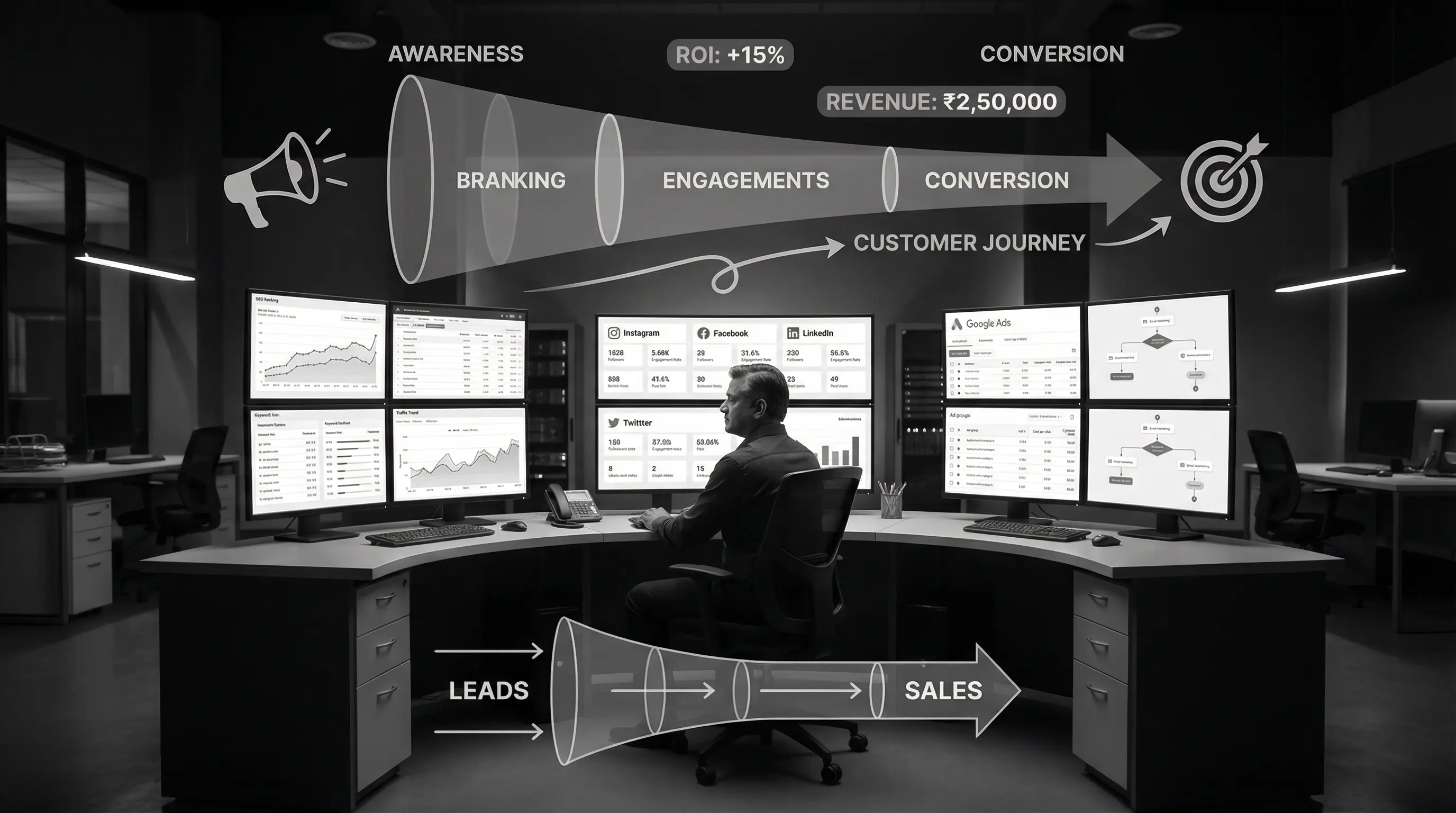
The advantage? It's measurable, targetable, and often cheaper than traditional marketing. You can reach exactly the people who might buy from you, and track what's working.
Why Digital Marketing Matters for Small Businesses in 2026
Let me give you some numbers that matter:
- 750+ million internet users in India
- 70%+ of purchases start with an online search
- 4+ hours average daily time spent on phones
- 60%+ of small business customers check online before visiting a shop
Your customers are online. If you're not, you're invisible to them.
But here's what's changed in 2026:
Competition has increased. More businesses are online now. Just "being online" isn't enough anymore — you need to stand out.
Customers are smarter. They compare prices, read reviews, check multiple options. Your marketing needs to build trust, not just awareness.
AI has changed the game. Both in how you can do marketing (AI tools help you) and how customers search (voice search, AI assistants).
Local is more important. "Near me" searches have exploded. Local businesses that show up in local searches win.
Digital Marketing Channels: Quick Overview
Before we dive deep, here's a quick look at all the channels and which ones matter for small businesses:
| Channel | Best For | Effort Level | Cost |
|---|---|---|---|
| Google Business Profile | Local businesses | Low | Free |
| SEO | Long-term traffic | High | Low-Medium |
| Google Ads | Immediate leads | Medium | Medium-High |
| B2C, visual products | Medium | Low-Medium | |
| Local businesses, older audience | Medium | Low-Medium | |
| B2B, professional services | Medium | Low | |
| WhatsApp Business | Customer communication | Low | Free-Low |
| Email Marketing | Customer retention | Medium | Low |
| YouTube | Education, tutorials | High | Medium |
| Content Marketing | Building authority | High | Low-Medium |
Now let's go through each channel in detail.
1. Google Business Profile (Start Here)
If you do only ONE thing from this entire guide, do this. Set up and optimize your Google Business Profile (formerly Google My Business).
What is it? A free listing that shows your business on Google Search and Google Maps. When someone searches "restaurant near me" or "plumber in Pune" — those results come from Google Business Profile.
Why it's critical:
- 46% of all Google searches have local intent
- 88% of people who search for a local business call or visit within 24 hours
- It's completely free
- Takes 30 minutes to set up
How to optimize:
- Complete every field — Business name, address, phone, hours, website, description
- Add photos — Minimum 10 high-quality photos of your business, products, team
- Choose correct categories — Primary category should be your main business type
- Get reviews — Ask every happy customer for a Google review
- Post updates — Share offers, updates, photos regularly (like social media)
- Answer questions — Monitor and respond to Q&A section
- Keep information updated — Especially hours during holidays
Create a simple process: After every sale/service, send a WhatsApp message with your Google review link. Most happy customers will review if you make it easy. 20+ reviews with 4.5+ rating makes a huge difference.
Cost: Free (just your time)
Time to results: 2-4 weeks to start showing in local searches
2. SEO (Search Engine Optimization)
SEO means making your website appear in Google search results when people search for things related to your business.
Someone searches "best interior designer in Mumbai" — if your interior design company's website appears on page 1, that's SEO working.
Why SEO Matters
- Free traffic — Unlike ads, you don't pay per click
- High intent — People searching are actively looking for what you offer
- Compounds over time — Good SEO today brings traffic for years
- Builds credibility — Ranking high makes you look trustworthy
SEO Basics for Small Businesses
Keyword Research: Find what your customers actually search for. Use tools like:
- Google Keyword Planner (free)
- Ubersuggest (free tier available)
- Google's "People also ask" and autocomplete suggestions
On-Page SEO: Optimize your website pages
- Include target keywords in page titles, headings, content
- Write useful, detailed content that answers searcher questions
- Optimize images (compress, add alt text)
- Make sure website loads fast
- Mobile-friendly design
Local SEO: Critical for local businesses
- Include city/area names in your content
- Create location-specific pages if you serve multiple areas
- Get listed in local directories (JustDial, Sulekha, IndiaMART)
- Build local backlinks (local news sites, community sites)
Technical SEO: Behind-the-scenes stuff
- Website should load in under 3 seconds
- HTTPS security (SSL certificate)
- Proper site structure
- Submit sitemap to Google Search Console
Beware of agencies promising "guaranteed #1 rankings" or "1000 backlinks for ₹5,000." These are scams or black-hat techniques that will get your site penalized. Good SEO takes time (3-6 months minimum for results).
SEO Cost in India
| SEO Service | Monthly Cost | What You Get |
|---|---|---|
| DIY (Self-learning) | ₹0 + time | Basic optimization |
| Freelancer (Basic) | ₹8,000 - ₹15,000 | On-page + basic off-page |
| Agency (Standard) | ₹20,000 - ₹50,000 | Complete SEO package |
| Agency (Advanced) | ₹50,000 - ₹1,50,000+ | Competitive niches, e-commerce |
Time to results: 3-6 months for noticeable improvement, 6-12 months for significant results
3. Google Ads (Search Ads)
Want results faster than SEO? Google Ads puts you at the top of search results immediately — but you pay for each click.
How Google Ads Works
- You choose keywords you want to show up for
- You create ads that appear when people search those keywords
- You set a budget (daily or monthly)
- You pay only when someone clicks your ad
- They visit your website/landing page
- Hopefully, they become a customer
When Google Ads Makes Sense
Good fit:
- High-value services (lawyers, doctors, B2B services)
- Competitive industries where SEO takes too long
- Specific intent keywords ("buy," "hire," "near me")
- Testing new markets or offers
- Seasonal businesses needing immediate visibility
Not ideal for:
- Very low-margin products
- Impulse purchases (social media ads work better)
- Very tight budgets (under ₹15,000/month)
Google Ads Costs in India
Cost per click (CPC) varies hugely by industry:
- Low competition (local services): ₹10-30 per click
- Medium competition (e-commerce, education): ₹30-100 per click
- High competition (insurance, loans, lawyers): ₹100-500+ per click
Realistic monthly budgets:
- Testing phase: ₹15,000-30,000/month
- Small business: ₹30,000-75,000/month
- Growing business: ₹75,000-2,00,000/month
- Aggressive growth: ₹2,00,000+/month
Plus management fees if you hire someone: ₹10,000-50,000/month or 15-20% of ad spend.
Most small businesses burn money on Google Ads because they don't set them up properly. Broad keywords, no negative keywords, poor landing pages. Either learn properly or hire someone who knows what they're doing. Bad Google Ads is worse than no Google Ads.
4. Social Media Marketing
Let's break down the major social platforms and who should use each.
Best for: B2C businesses, visual products, lifestyle brands, restaurants, fashion, beauty, fitness, personal brands
Who's on Instagram: 18-45 age group, urban India, slightly more women than men
Content that works:
- Reels (short videos) — Best reach currently
- Behind-the-scenes content
- User-generated content (customer photos/videos)
- Educational carousels
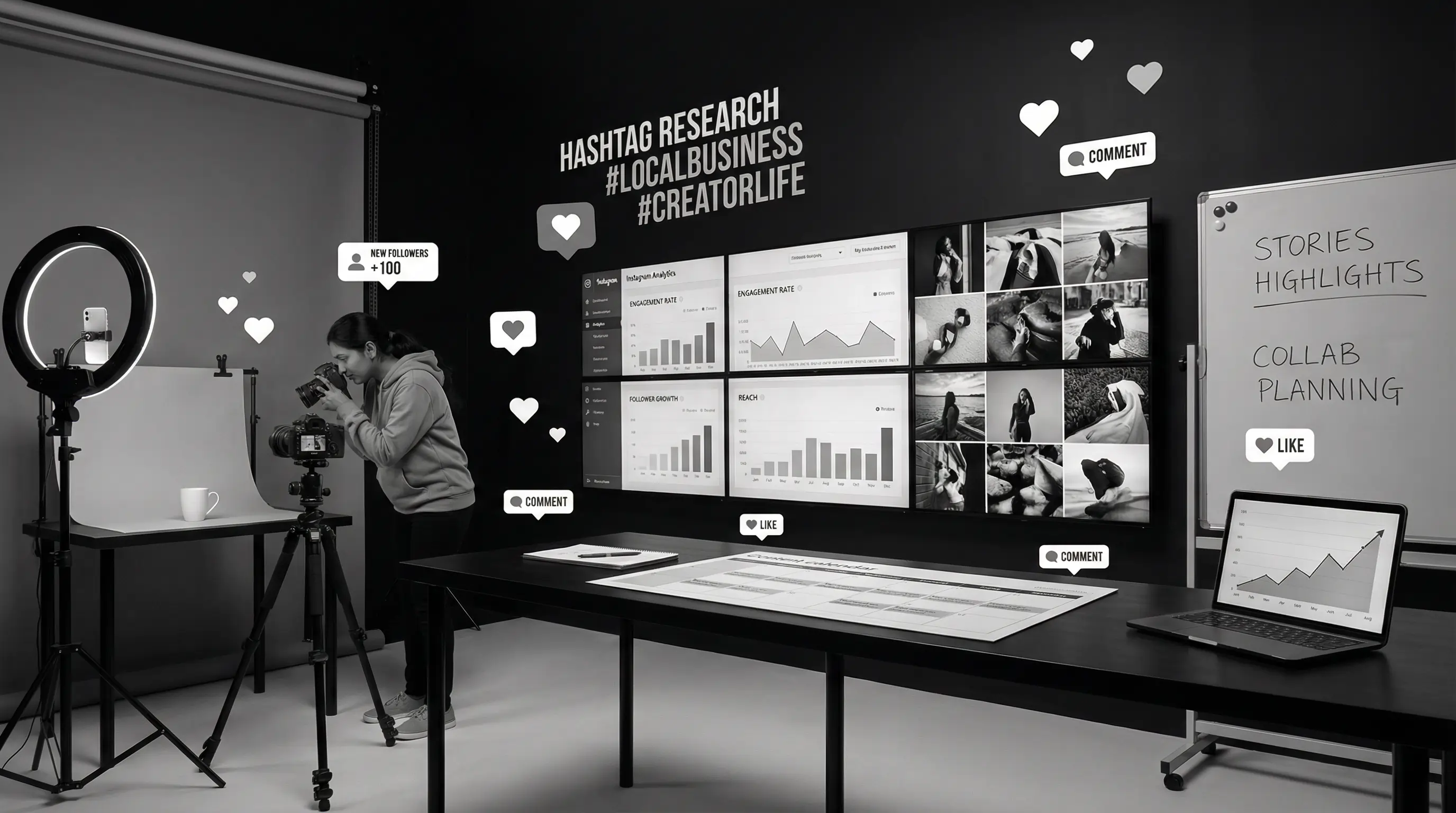
- Stories for daily engagement
How often to post: Minimum 4-5 times per week, 1-2 reels per week, stories daily
Best for: Local businesses, slightly older audience (35+), community building, events
Content that works:
- Local updates and news
- Community engagement posts
- Facebook Groups for community
- Live videos
- Event promotions
Note: Organic reach on Facebook is very low now. It's better as an ads platform than organic.
Best for: B2B businesses, professional services, consultants, recruiters, thought leadership
Content that works:
- Industry insights and opinions
- Professional achievements (without being braggy)
- Helpful tips and how-tos
- Company updates
- Employee spotlights
How often to post: 2-4 times per week is sufficient
YouTube
Best for: Educational content, tutorials, reviews, long-form content, building deep trust
Content that works:
- How-to tutorials
- Product demonstrations
- Customer success stories
- Industry education
- Behind-the-scenes
Reality check: YouTube requires significant effort. Good videos take time to produce. Only start if you can commit to regular content (at least 2-4 videos per month).
Social Media Costs
| Approach | Monthly Cost | What's Included |
|---|---|---|
| DIY | ₹0 + 10-15 hours | Your time, free tools |
| Freelancer | ₹10,000 - ₹25,000 | Content creation, posting |
| Agency (Basic) | ₹25,000 - ₹50,000 | Strategy, content, management |
| Agency (Premium) | ₹50,000 - ₹1,50,000+ | Full service + ads + influencers |
Add ad spend separately (₹10,000-1,00,000+/month depending on goals).
5. WhatsApp Marketing
WhatsApp is India's most-used app. For small businesses, it's a goldmine — if used correctly.
WhatsApp Business App (Free)
Different from regular WhatsApp. Includes:
- Business profile (address, hours, website)
- Catalog to showcase products
- Quick replies for common questions
- Labels to organize chats
- Automated greeting and away messages
How to use effectively:
- Add WhatsApp button to your website and Google Business Profile
- Respond quickly (within minutes, not hours)
- Use catalog for products/services
- Create broadcast lists (not groups) for updates
- Share useful content, not just promotions
WhatsApp Business API (Paid)
For larger operations. Allows:
- Multiple team members on one number
- Automated messages and chatbots
- Integration with CRM and other tools
- Bulk messaging (with proper opt-ins)
Cost: ₹5,000-50,000/month depending on message volume and provider
Nothing kills trust faster than unwanted WhatsApp messages. Only message people who've opted in. Keep promotional messages minimal. Focus on providing value and support. Spamming will get your number reported and banned.
6. Email Marketing
Email isn't dead. It's actually one of the highest ROI marketing channels — if done right.
Why Email Still Works
- You own the list — Unlike social media, you control this channel
- Direct access — Lands in inbox, no algorithm to fight
- High ROI — Average ₹36 return for every ₹1 spent
- Automation — Set up once, runs automatically
How to Build an Email List
- Add signup forms to your website
- Offer something valuable for signing up (discount, free guide, etc.)
- Collect emails during sales process
- Run contests or giveaways
- Ask at events or in-person
What to Email
- Welcome series — Introduce your business to new subscribers
- Value content — Tips, how-tos, useful information
- Promotions — Sales, discounts, offers (don't overdo)
- Updates — New products, news, events
- Abandoned cart emails — For e-commerce
Email Marketing Tools and Costs
| Tool | Free Tier | Paid Plans |
|---|---|---|
| Mailchimp | 500 contacts | ₹800+/month |
| Brevo (Sendinblue) | 300 emails/day | ₹1,500+/month |
| Zoho Campaigns | 2,000 contacts | ₹300+/month |
| MailerLite | 1,000 subscribers | ₹750+/month |
For most small businesses, free tiers are enough to start. Upgrade as your list grows.
7. Content Marketing
Content marketing is creating valuable content to attract and engage customers. The blog you're reading right now? That's content marketing.
Types of Content
- Blog posts — SEO-friendly, educational content
- Videos — YouTube, Instagram Reels, TikTok
- Infographics — Visual data and information
- Podcasts — Audio content
- Case studies — Customer success stories
- Guides and ebooks — In-depth resources
Content Strategy for Small Business
Step 1: Know what your customers ask and search for
Step 2: Create content that answers those questions
Step 3: Optimize for SEO so people find it
Step 4: Distribute on social media and email
Step 5: Include calls-to-action to capture leads
Start simple: One blog post per week is better than an ambitious plan you can't maintain.
Digital Marketing Budget for Small Business
Let's talk real numbers. How much should you actually spend?
Starter Budget (₹15,000-30,000/month)
Best for: New businesses testing digital marketing
Allocation:
- DIY social media (time investment)
- Google Business Profile optimization (free)
- Basic Google Ads: ₹15,000-20,000
- Tools and software: ₹2,000-5,000
Growth Budget (₹50,000-1,00,000/month)
Best for: Established businesses scaling up
Allocation:
- Google Ads: ₹30,000-50,000
- Social Media Ads: ₹15,000-30,000
- Freelancer for content/social: ₹15,000-25,000
- Tools: ₹5,000-10,000
Serious Budget (₹1,00,000-3,00,000/month)
Best for: Businesses with digital as primary revenue driver
Allocation:
- Google Ads: ₹50,000-1,00,000
- Social Media Ads: ₹30,000-75,000
- Agency or in-house team: ₹50,000-1,00,000
- SEO: ₹25,000-50,000
- Tools and software: ₹10,000-25,000
A general guideline: Spend 5-10% of your revenue on marketing. New businesses might go higher (10-15%) to establish presence. Established businesses can stay at 5-8%. Adjust based on your industry and growth goals.
DIY vs Hiring Help
Should you do digital marketing yourself or hire someone?
Do It Yourself If:
- You have more time than money
- You're willing to learn (lots of free resources online)
- Your needs are simple (basic social media, Google Business Profile)
- You enjoy this kind of work
Hire Help If:
- Your time is better spent on core business
- You need results faster
- You're doing Google Ads (easy to waste money without expertise)
- You need consistent, professional content
- You're scaling and need to grow quickly
Who to Hire
| Option | Best For | Cost Range |
|---|---|---|
| Part-time freelancer | Social media, content | ₹15,000-40,000/month |
| Full-time hire | Dedicated focus | ₹30,000-80,000/month salary |
| Digital marketing agency | Comprehensive strategy | ₹40,000-2,00,000+/month |
| Specialized freelancer | Google Ads, SEO | ₹20,000-60,000/month |
Common Mistakes to Avoid
I've seen small businesses make these mistakes repeatedly:
1. Trying to Be Everywhere
You don't need to be on every platform. Choose 2-3 channels and do them well. Better to rock Instagram than to have dead accounts on 7 platforms.
2. Expecting Instant Results
Digital marketing (especially SEO and content) takes time. Give strategies at least 3-6 months before judging. Don't quit after 2 weeks.
3. Ignoring Analytics
If you're not tracking what's working, you're guessing. Set up Google Analytics, track conversions, know your numbers.
4. Selling Too Much
Social media especially — if every post is "Buy now," people tune out. Follow the 80/20 rule: 80% value content, 20% promotional.
5. Not Having a Website
Social media is rented land — you don't control it. A website is your owned property. Always drive traffic back to a website you control.
6. Poor Quality Content
Blurry images, spelling mistakes, generic content. Quality matters. One good piece of content beats ten mediocre ones.
7. Not Responding to Customers
Social media and WhatsApp are two-way channels. If people comment or message, respond quickly. Ignoring them is worse than not being online.
8. Chasing Vanity Metrics
Followers and likes are nice but don't pay bills. Focus on metrics that matter: leads, sales, inquiries, website traffic.
Getting Started: Your First 30 Days
Feeling overwhelmed? Here's a simple 30-day starter plan:
Week 1: Foundation
- Set up/optimize Google Business Profile
- Create/update WhatsApp Business profile
- Audit your website (or plan to build one)
- Decide which 2 social platforms to focus on
Week 2: Content Planning
- List 20 questions your customers frequently ask
- Create a simple content calendar
- Set up business accounts on chosen social platforms
- Start collecting customer emails
Week 3: Start Creating
- Post your first social media content
- Ask 5 happy customers for Google reviews
- Set up Google Analytics on your website
- Join relevant local Facebook/WhatsApp groups
Week 4: Evaluate and Adjust
- Check what content got engagement
- Respond to all comments and messages
- Start planning for next month
- Consider if you need help for any channels
Tools Every Small Business Should Know
Here are useful tools, mostly with free options:
Design:
- Canva — Graphics, social posts (Free tier great)
- CapCut — Video editing (Free)
Social Media:
- Buffer/Later — Scheduling posts (Free tier available)
- Meta Business Suite — Facebook/Instagram management (Free)
SEO:
- Google Search Console — Track search performance (Free)
- Google Analytics — Website analytics (Free)
- Ubersuggest — Keyword research (Free tier)
Email:
- Mailchimp/Brevo — Email marketing (Free tiers)
Productivity:
- Notion/Trello — Planning and organization (Free)
- Google Workspace — Email and docs (Affordable)
- Start with Google Business Profile — It's free and most impactful for local businesses
- Pick 2-3 channels — Master them instead of being mediocre everywhere
- Budget realistically — ₹15,000-30,000/month minimum for meaningful results
- SEO is a long game — Start now, benefit for years
- Google Ads needs expertise — DIY carefully or hire help
- Content is king — But consistency is queen
- Don't spam WhatsApp — Build relationships, not annoyance
- Track everything — Know what's working, cut what's not
- Give it time — 3-6 months minimum to see real results
- Your website is your home base — Don't rely only on social media
Conclusion
Digital marketing isn't optional for small businesses in 2026. Your customers are online, your competitors are online, and you need to be there too.
But here's the good news: You don't need a massive budget or a marketing degree. Start with the basics — Google Business Profile, one or two social platforms, a decent website. Build from there.
The businesses that win online aren't necessarily the ones with the biggest budgets. They're the ones who show up consistently, provide genuine value, and actually talk to their customers.
Start small. Stay consistent. Track what works. Scale what's working.
That's the entire formula.
Need help with digital marketing for your business? At Arcenik Technologies, we help small and medium businesses build effective digital presence — from websites to complete marketing strategies. No jargon, just results.
Related reading: Google Ads for Small Business in India: Complete Beginner's Guide 2026 · How to Get More Leads Online in India 2026 (Proven Methods) · our digital marketing services
Get a free consultation — Let's discuss what digital marketing approach makes sense for your specific business.