How to Rank #1 on Google: Complete SEO Guide for 2026
Learn proven SEO strategies to rank your website on Google's first page. Step-by-step guide covering on-page, off-page, and technical SEO that actually works.


Introduction
Let me guess. You've built a beautiful website, written some content, and now you're waiting for traffic to roll in. But Google seems to have other plans. Your site is buried somewhere on page 5, and nobody's finding you.
Frustrating, right? I've been there. And so have thousands of business owners who come to us asking the same question: "How do I get my website to rank on Google?"
Here's the truth — ranking #1 on Google isn't about tricks or hacks. It's about understanding what Google actually wants and giving it exactly that. And in this guide, I'm going to show you exactly how to do it.
No fluff. No outdated tactics from 2015. Just stuff that works in 2026.
How Google Actually Works (Simple Explanation)
Before we dive into tactics, let's understand what we're dealing with. Google's job is simple: show users the most helpful, relevant results for their search.
To do this, Google uses "crawlers" (also called spiders or bots) that visit websites, read the content, and store information in a massive database called the index. When someone searches, Google pulls from this index and ranks results based on hundreds of factors.
The 4 Pillars Google Cares About
- Relevance — Does your content match what the person is searching for?
- Quality — Is your content actually helpful and comprehensive?
- Authority — Do other trusted websites vouch for you (backlinks)?
- User Experience — Is your site fast, mobile-friendly, and easy to use?
Everything we do in SEO ties back to these four pillars. Keep them in mind as we go through each strategy.
SEO is a long-term game. If someone promises you page 1 rankings in 2 weeks, run. Genuine SEO takes 3-6 months to show significant results. But once it works, it keeps working.
Step 1: Nail Your Keyword Research
This is where most people mess up. They either target keywords that are way too competitive, or they target keywords that nobody actually searches for.
Keyword research isn't just about finding words — it's about understanding what your potential customers are actually typing into Google.
How to Find the Right Keywords
Start with seed keywords. These are basic terms related to your business. If you're a web design agency in Mumbai, your seed keywords might be "web design," "website development," "web designer."
Expand with tools. Use free tools like Google Keyword Planner, Ubersuggest, or paid tools like Ahrefs and SEMrush. These show you:
- How many people search for each keyword monthly
- How difficult it is to rank for that keyword
- Related keywords you might have missed
Focus on long-tail keywords. Instead of targeting "web design" (super competitive), try "affordable web design agency in Mumbai" or "web design for small business." These have less competition and higher intent.
Understanding Search Intent
This is crucial. Google pays close attention to why someone is searching, not just what they're searching.
There are 4 types of search intent:
- Informational — "How to improve website speed" (wants to learn)
- Navigational — "Facebook login" (wants a specific site)
- Commercial — "Best web design agencies" (researching options)
- Transactional — "Hire web designer Mumbai" (ready to buy)
Your content needs to match the intent. If someone searches "how to design a website," they want a tutorial — not a sales page for your services.
Google your target keyword and look at the top 5 results. What type of content are they? Blog posts? Product pages? Lists? That tells you exactly what Google thinks users want for that keyword.
Step 2: On-Page SEO (Optimize Your Content)
On-page SEO is everything you do on your website to help Google understand and rank your content. This is the stuff you have complete control over.
Title Tags — Your First Impression
The title tag is what shows up as the clickable headline in Google search results. It's arguably the most important on-page element.
Title tag best practices:
- Keep it under 60 characters (or it gets cut off)
- Put your main keyword near the beginning
- Make it compelling — people need to want to click
- Each page should have a unique title
Example: Instead of "Services - ABC Company," try "Web Design Services in Mumbai | Custom Websites from ₹15,000"
Meta Descriptions — Your Sales Pitch
The meta description is the text below your title in search results. It doesn't directly affect rankings, but it massively affects click-through rate.
- Keep it under 155 characters
- Include your keyword naturally
- Add a call-to-action ("Learn more," "Get started," "Discover how")
- Make it relevant to the page content
Header Structure — Organize Your Content
Headers (H1, H2, H3) help both users and Google understand your content structure.
- H1 — Your main title (only one per page)
- H2 — Major sections
- H3 — Subsections within H2s
Think of it like a book. H1 is the book title, H2s are chapter titles, H3s are subheadings within chapters.
Content Optimization
This is where the magic happens. Your content needs to be genuinely better than what's already ranking.
What "better" means:
- More comprehensive — Cover the topic completely. If competitors have 1000 words, you might need 2000.
- More current — Include 2026 data, recent examples, updated information.
- More practical — Give actionable steps, not just theory.
- Better formatted — Use bullets, images, tables. Make it scannable.
- More original — Add your own insights, case studies, experiences.
Don't cram your keyword into every sentence. Google is smart enough to understand synonyms and context. Write naturally for humans, and include keywords where they fit organically.
Internal Linking
This is often overlooked but incredibly powerful. Internal links are links from one page on your site to another page on your site.
Why it matters:
- Helps Google discover and crawl your pages
- Passes "authority" from one page to another
- Keeps users on your site longer
- Shows Google which pages are most important
Whenever you mention a topic you've written about before, link to it. Simple as that.
Image Optimization
Images can bring traffic (through Google Image Search) and help your page rank better.
- File names — Use descriptive names like "seo-keyword-research-process.webp" not "IMG_12345.jpg"
- Alt text — Describe the image for screen readers and Google. Include keywords naturally.
- File size — Compress images to improve page speed. Use WebP format when possible.
Step 3: Technical SEO (The Foundation)
Technical SEO is about making sure Google can actually find, crawl, and index your website properly. Think of it as the foundation of a house — if it's weak, everything else crumbles.
Site Speed — Faster is Better
Page speed is a confirmed ranking factor. If your site takes 5 seconds to load, users bounce and Google notices.
How to check: Use Google PageSpeed Insights (free). It tells you exactly what's slowing you down.
Common fixes:
- Compress and resize images
- Enable browser caching
- Use a Content Delivery Network (CDN)
- Minimize CSS and JavaScript files
- Choose quality hosting (don't go with the cheapest option)
 Check your site speed with Google PageSpeed Insights — aim for 90+ on mobile
Mobile-Friendliness — Non-Negotiable
More than 60% of searches happen on mobile devices. Google uses mobile-first indexing, meaning it primarily looks at your mobile site when ranking.
Your site MUST:
- Be fully responsive (adapts to all screen sizes)
- Have readable text without zooming
- Have buttons/links that are easy to tap
- Not have content wider than the screen
Test it: Use Google's Mobile-Friendly Test tool.
HTTPS — Security Matters
If your site still uses HTTP instead of HTTPS, fix it today. It's a ranking factor, and browsers now show "Not Secure" warnings for HTTP sites.
Most hosting providers offer free SSL certificates through Let's Encrypt. There's no excuse not to have it.
Core Web Vitals
These are Google's specific metrics for user experience:
- LCP (Largest Contentful Paint) — How fast does the main content load? Target: under 2.5 seconds
- FID (First Input Delay) — How fast can users interact? Target: under 100 milliseconds
- CLS (Cumulative Layout Shift) — Does content jump around while loading? Target: under 0.1
Check these in Google Search Console under "Core Web Vitals" report.
XML Sitemap & Robots.txt
XML Sitemap: A file that lists all your important pages, helping Google find them. Submit it through Google Search Console.
Robots.txt: Tells Google which pages to crawl and which to ignore. Make sure you're not accidentally blocking important pages.
Step 4: Off-Page SEO (Building Authority)
Off-page SEO is about what happens outside your website — primarily, getting other websites to link to you. These backlinks act as "votes of confidence" for your site.
Why Backlinks Matter
Think of it this way: if 50 reputable websites link to your article about SEO, Google thinks, "This must be a valuable resource." The more quality backlinks you have, the more authoritative your site appears.
But not all backlinks are equal. One link from a respected news site is worth more than 100 links from random blogs.
How to Build Backlinks (Ethical Methods)
1. Create Link-Worthy Content
This is the foundation. Create content so good that people naturally want to link to it:
- Original research and data
- Comprehensive guides (like this one)
- Infographics and visual assets
- Tools and calculators
- Expert roundups
2. Guest Posting
Write articles for other websites in your industry. Most will allow a link back to your site in the author bio or within the content.
Find opportunities by searching: "your industry + write for us" or "your industry + guest post guidelines"
3. Broken Link Building
Find broken links on other websites (links that lead to 404 pages). Reach out to the website owner, let them know about the broken link, and suggest your content as a replacement.
4. Digital PR
Get featured in news articles, podcasts, interviews. Share newsworthy stories about your business. Services like HARO (Help a Reporter Out) connect you with journalists looking for sources.
5. Build Relationships
Networking isn't just for LinkedIn. Genuinely connect with others in your industry. Comment on their posts, share their content, help them out. Natural link opportunities follow genuine relationships.
Buying backlinks, using link farms, or participating in link schemes can get your site penalized by Google. The penalty can tank your rankings overnight and take months to recover from. Not worth it.
Step 5: Local SEO (For Local Businesses)
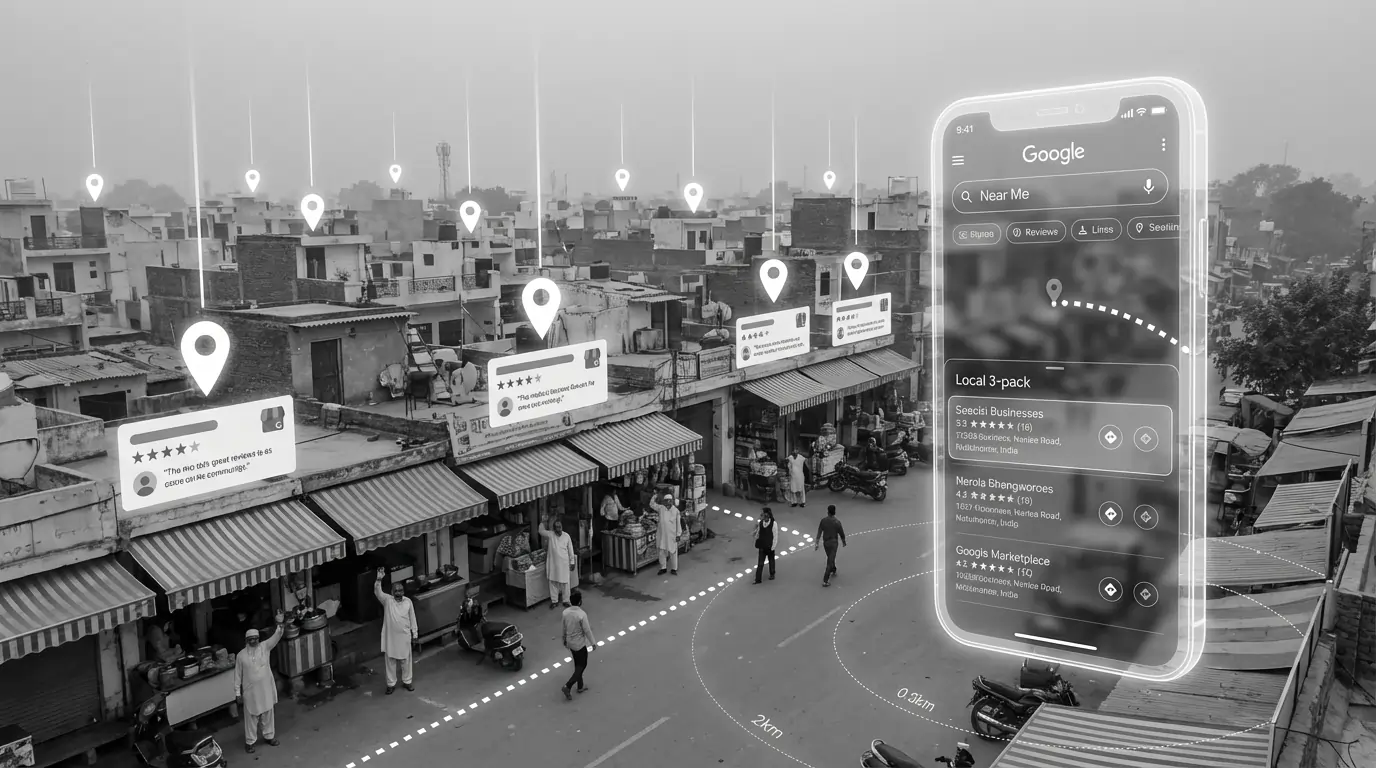
If you serve customers in a specific area, local SEO is critical. This is what helps you show up when someone searches "web designer near me" or "best restaurant in Delhi."
Google Business Profile (Formerly Google My Business)
This is the most important thing for local SEO. Your Google Business Profile is what appears in the map pack and local search results.
Optimize it by:
- Claiming and verifying your profile
- Filling out EVERY field completely
- Choosing accurate categories
- Adding photos (businesses with photos get 42% more direction requests)
- Posting updates regularly
- Responding to all reviews (positive and negative)
Local Citations
These are mentions of your business name, address, and phone number (NAP) on other websites. Ensure your NAP is consistent everywhere — directories, social media, your website.
Get listed on:
- Justdial
- Sulekha
- IndiaMART
- Yellow Pages India
- Industry-specific directories
Reviews — The Trust Factor
Reviews significantly impact local rankings and click-through rates.
To get more reviews:
- Simply ask happy customers
- Send follow-up emails with a direct link to your Google review page
- Make the process as easy as possible
- Never offer incentives for reviews (against Google's policies)
Step 6: Measure & Improve
You can't improve what you don't measure. Here's what to track and which tools to use.
Essential Tools (All Free)
Google Search Console — The most important SEO tool. Shows you:
- Which keywords you're ranking for
- Your average position for each keyword
- Click-through rates
- Technical issues Google finds
- Which pages are indexed
Google Analytics 4 — Shows you:
- How much traffic you're getting
- Where traffic comes from
- Which pages perform best
- User behavior on your site
Key Metrics to Track
| Metric | What It Tells You | Where to Find It |
|---|---|---|
| Organic Traffic | Total visitors from Google | Google Analytics |
| Keyword Rankings | Your position for target keywords | Search Console / Ahrefs |
| Click-Through Rate (CTR) | % of people who click your result | Search Console |
| Bounce Rate | % who leave without interacting | Google Analytics |
| Backlinks | Sites linking to you | Ahrefs / Search Console |
| Page Speed | How fast pages load | PageSpeed Insights |
| Indexed Pages | Pages Google has in its index | Search Console |
How Often to Check
Don't obsess over daily rankings — they fluctuate naturally.
- Weekly: Quick check on traffic and any major issues
- Monthly: Deeper analysis of keyword rankings, content performance
- Quarterly: Full SEO audit, strategy adjustments
Common SEO Mistakes to Avoid
I've seen these mistakes kill rankings over and over. Learn from others' failures:
1. Targeting keywords that are too competitive
A new site won't rank for "insurance" or "loans." Start with long-tail keywords and work your way up.
2. Ignoring search intent
Ranking for a keyword is useless if your content doesn't match what users want.
3. Thin content
500-word articles rarely rank anymore. Be comprehensive.
4. Neglecting mobile
If your mobile experience is poor, your rankings will suffer.
5. Expecting overnight results
SEO compounds over time. Patience is required.
6. Not updating old content
Your 2021 blog post won't stay relevant forever. Update it with new information.
7. Ignoring technical issues
Broken links, slow pages, crawl errors — these silently kill your rankings.
SEO in 2026: What's Changed
SEO evolves constantly. Here's what's different now:
- AI and SGE (Search Generative Experience) — Google is showing AI-generated answers. Your content needs to be the source AI pulls from.
- E-E-A-T matters more — Experience, Expertise, Authoritativeness, Trust. Google wants content from real experts, not generic AI content.
- User signals are crucial — How users interact with your site (time on page, bounce rate, clicks) influences rankings.
- Core Web Vitals are non-negotiable — Speed and user experience are ranking factors you can't ignore.
- Helpful Content Update — Google actively demotes content that's written for SEO rather than humans.
Write genuinely helpful content. Build a fast, user-friendly website. Earn backlinks through quality. That's still the formula — the execution just needs to be better than ever.
- Keyword research is foundation — Target the right keywords with the right intent
- On-page SEO is in your control — Optimize titles, meta descriptions, headers, and content
- Technical SEO can't be ignored — Speed, mobile-friendliness, and Core Web Vitals matter
- Backlinks build authority — Quality over quantity, earned through great content
- Local SEO is essential for local businesses — Google Business Profile is critical
- Measure everything — Use Search Console and Analytics to track progress
- Patience is required — Real SEO results take 3-6 months, but compound over time
Conclusion
Ranking #1 on Google isn't about gaming the system. It's about genuinely being the best result for your target keywords.
Focus on understanding what your audience is searching for, create content that truly helps them, make sure your site is technically sound, and build authentic authority in your space.
It takes time. It takes effort. But the payoff — consistent, free, targeted traffic — is worth it.
Start with one thing from this guide today. Fix your title tags. Speed up your site. Write that comprehensive guide on a topic you know deeply. Small, consistent actions compound into big results.
Need help with your SEO strategy? At Arcenik Technologies, we don't just build websites — we build websites that rank. Our team handles everything from technical SEO audits to content strategy to link building.
Related reading: Local SEO Guide for Small Businesses in India 2026 · How to Use AI for SEO in 2026: Rank Higher Faster · our SEO services
Book a free SEO consultation and let's talk about getting your business to page 1.