How to Add an AI Chatbot to Your Website in 2026 (Complete Guide)
Learn how to add an AI chatbot to your website in 2026. Benefits, pricing in India, platform comparison, setup steps, and conversion tips for businesses.
Introduction
If your website gets traffic but few enquiries, you already know the gap: visitors arrive with questions, hesitate, and leave before anyone replies. In India, that hesitation is expensive. A buyer comparing vendors at 10 PM will not wait until your office opens. An AI chatbot for website closes that gap by answering instantly, capturing contact details, and routing hot leads to your team.
This guide is written for Indian SMBs that want a practical answer to how to add an AI chatbot to your website in 2026 — not theory. You will learn what modern website chatbots actually do, what they cost in rupees, how to choose between SaaS and custom builds, how to train them on your services, and how to measure chat-to-lead conversion. Whether you run a service business, D2C store, clinic, coaching brand, or B2B SaaS, the same principles apply: clear goal, good knowledge base, clean lead capture, and human handoff.
An AI chatbot turns anonymous website traffic into qualified conversations around the clock
Business owners, marketing managers, and founders who want more leads from existing traffic, faster FAQ handling, and a website that works after office hours — without hiring a 24/7 chat team.
What Is an AI Chatbot for a Website?
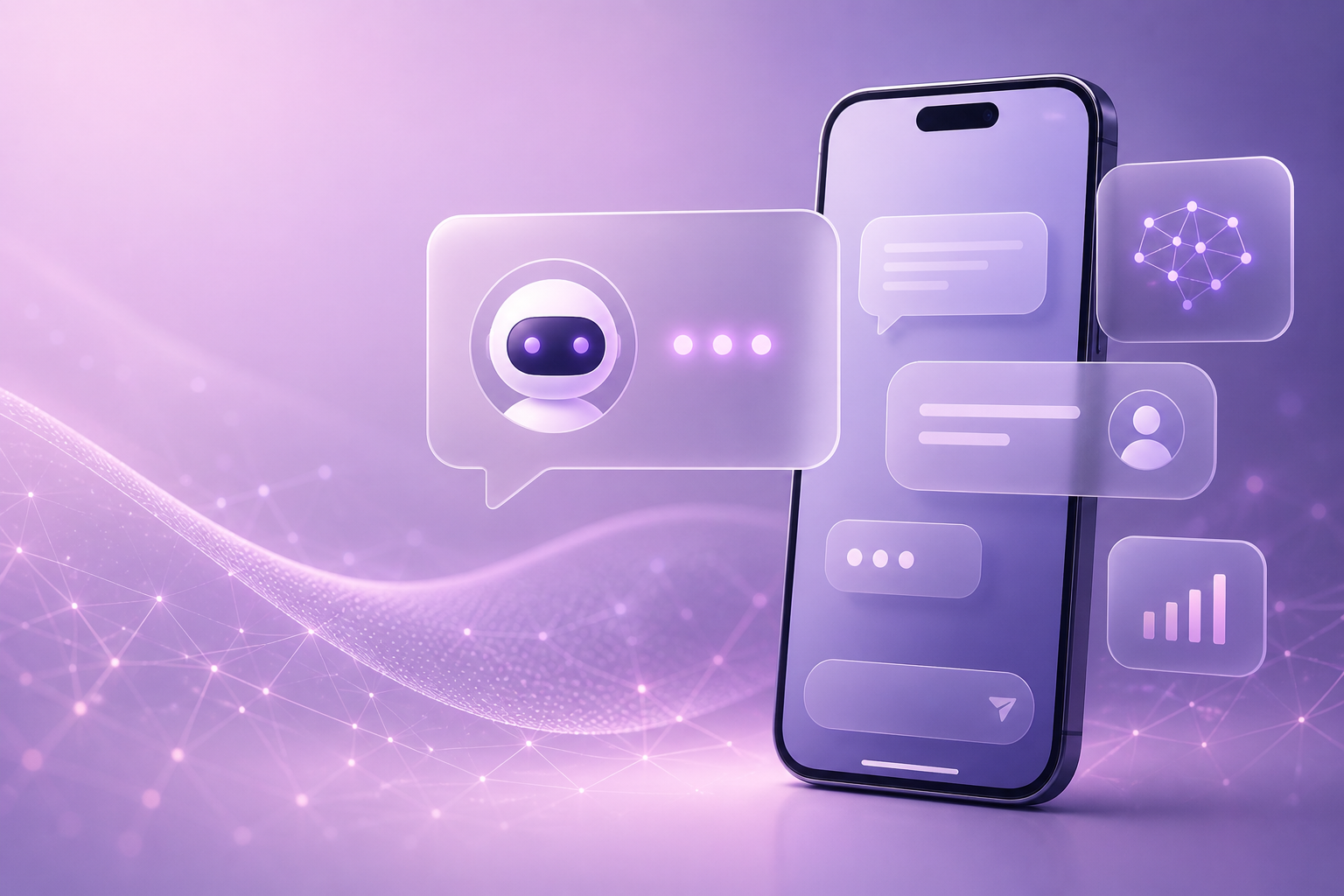
An AI chatbot is a conversational layer on your site that understands natural language, answers from your approved content, and can trigger actions such as collecting a phone number, booking a demo, or opening WhatsApp. Unlike older rule-based bots that only follow fixed menus, LLM-powered chatbots handle messy real questions: pricing ranges, service differences, delivery timelines, city-wise availability, and objection handling.
For Indian websites, the winning setup is usually hybrid: AI handles free-form conversation, while structured steps capture name, phone, city, and requirement. That combination feels human and still feeds CRM cleanly.
What a strong website chatbot should do
- Answer FAQs about services, pricing bands, process, and timelines
- Qualify leads with budget, urgency, and use-case questions
- Capture phone and email for WhatsApp or call follow-up
- Book meetings or share Calendly-style slots
- Support Hindi, English, and Hinglish where your audience needs it
- Escalate to a human when the query is complex or sensitive
- Log unanswered questions so you improve content every week
Why Indian Businesses Need Website AI Chatbots in 2026
Indian buyer behaviour has changed. People research on mobile, compare three websites in one sitting, and expect replies in minutes — not next-day emails. Meanwhile, sales teams are busy closing deals and cannot watch every chat window. A chatbot is not a gimmick; it is response-time infrastructure.
Common triggers we see across Arcenik client sites: high bounce on pricing pages, forms that feel too long, missed weekend enquiries, and support teams repeating the same answers. An AI chatbot for website India deployments solves those problems without adding headcount overnight.
| Business problem | Without chatbot | With AI chatbot |
|---|---|---|
| After-hours visitors | Enquiry lost overnight | Lead captured and queued |
| Repeated FAQs | Team spends hours answering | Bot resolves 60–80% of chats |
| Slow first response | Visitor leaves for competitor | Instant reply builds trust |
| Unqualified form fills | Sales wastes dial time | Pre-qualified intent + budget signals |
| Mobile visitors | Long forms abandoned | Short conversational capture |
Types of Website Chatbots (Choose Correctly)
1. Rule-based chatbot
Uses buttons and fixed scripts. Cheap and predictable, but fails when users type unexpected questions. Fine for tiny FAQ flows; weak for consultative sales.
2. AI chatbot (LLM-powered)
Understands intent from your documents and website content. Best default for 2026 if you have clear service pages and FAQs to train on.
3. Hybrid chatbot
AI conversation plus rules for lead forms, booking, escalation, and compliance. This is the setup we recommend for most Indian SMBs.
Let AI answer freely, then switch to a short form once intent is clear: “Share your WhatsApp number and city — we will send a quote today.” Conversation builds trust; structure captures data.
AI Chatbot Cost in India (2026 Pricing Guide)
Pricing depends on traffic, languages, WhatsApp integration, CRM sync, and how much custom training you need. Use this India ₹ table as a planning range, not a quote.
| Setup type | Typical monthly cost | One-time setup | Best for |
|---|---|---|---|
| Basic SaaS widget | ₹2,000 – ₹8,000 | ₹0 – ₹15,000 | Simple FAQs, low traffic sites |
| Business chatbot + WhatsApp | ₹10,000 – ₹35,000 | ₹25,000 – ₹75,000 | Lead-gen sites, services, D2C |
| Custom AI chatbot + CRM | ₹40,000 – ₹1,50,000+ | ₹75,000 – ₹3,00,000+ | Complex products, multi-brand, multi-language |
Hidden costs to budget: WhatsApp Business API conversation fees, CRM seats, extra language packs, and monthly knowledge-base updates. A chatbot that is never retrained becomes outdated as your offers change.
ROI math for SMBs is usually simple. If your average deal is ₹40,000 and the bot recovers three extra qualified leads per month that convert at 20%, that is roughly ₹24,000 in monthly revenue influence — often enough to justify a mid-tier business plan.
How to Add an AI Chatbot to Your Website (Step-by-Step)
Follow this sequence so you avoid installing a pretty widget that nobody uses.
- Define one primary goal — lead capture, support deflection, appointment booking, or product guidance. Secondary goals come later.
- Map top visitor intents — list the 20 questions people already ask on calls, WhatsApp, and email.
- Collect training content — service pages, pricing bands (even ranges), policies, onboarding steps, and objection replies.
- Choose SaaS vs custom — SaaS if you need speed; custom if you need deep CRM, unique workflows, or brand-specific conversation design.
- Design the lead capture moment — decide when to ask for phone/email (usually after value is shown, not as the first message).
- Set human handoff rules — WhatsApp transfer, email ticket, or live agent during business hours.
- Install the widget — add the script site-wide, verify mobile placement, and exclude pages where chat is distracting if needed.
- Test Hindi + English paths — real customer wording, typos, city names, and pricing objections.
- Connect analytics — track started chats, completed lead forms, booked meetings, and closed revenue.
- Review weekly — unanswered questions become new FAQ content and bot training updates.
Where the chatbot should appear
- Bottom-right on all key pages as the default entry point
- Soft auto-open on pricing and contact pages after 5–8 seconds
- Contextual prompts on service pages (“Need a quote for web development?”)
- WhatsApp fallback for users who prefer chat outside the website
Do not force the chatbot open on every page load. Aggressive popups raise bounce rate and train users to ignore you. Be helpful, not interruptive.
Platform Comparison: SaaS Widget vs Custom Build
| Factor | SaaS chatbot | Custom AI chatbot |
|---|---|---|
| Time to launch | 1–7 days | 3–8 weeks |
| Control over flows | Moderate | High |
| CRM / ERP depth | Limited connectors | Built for your stack |
| Brand voice | Template-heavy | Fully tailored |
| Ongoing cost predictability | Subscription + usage | Retainer + infra |
| Best fit | SMBs testing chat ROI | Growing firms with process complexity |
Many Indian businesses start with a SaaS AI chatbot for website testing, prove conversion lift for 60–90 days, then upgrade to a custom layer once lead volume and integration needs grow.
Conversion Playbook: Make the Bot Sell Without Sounding Salesy
Chatbots convert when they reduce friction. Start with a helpful opener tied to the page. On a CRM page, ask about team size. On an ecommerce page, ask about order status or product fit. On a services homepage, ask which outcome the visitor wants this quarter.
Use short messages. Offer two or three quick-reply chips. Confirm understanding before asking for contact details. When you request a phone number, explain the next step: “We will WhatsApp a proposal within one business day.” Clarity increases form completion.
Lead qualification questions that work in India
- What are you looking for — website, app, automation, or marketing?
- Is this for a startup, SMB, or enterprise team?
- Do you need this in the next 2 weeks, 1–2 months, or later?
- What city / time zone should our team follow up in?
- Preferred contact: WhatsApp call, phone, or email?
WhatsApp + Website Chat: The India Advantage
Indian users often trust WhatsApp more than website forms. A smart chatbot can collect intent on-site, then continue on WhatsApp with order updates, quotations, or document collection. That continuity reduces drop-off between “interested” and “closed.”
Make sure privacy and opt-in messaging are clear. Tell users what they will receive. Keep transactional and promotional messaging separated according to WhatsApp Business rules.
Training Your Chatbot So Answers Stay Accurate
Garbage in, garbage out. If your website content is vague (“best solutions for growth”), the bot will sound vague. Write concrete service descriptions, process steps, timelines, and inclusion/exclusion lists. Upload PDFs only if they are current. Remove outdated offers.
Create a blocked-topics list for legal, medical, or financial advice if those areas are sensitive. Teach the bot to say “I will connect you to a specialist” instead of inventing answers. Accuracy protects brand trust more than clever wording.
Common Mistakes to Avoid
- No clear goal — a bot that tries to do everything does nothing well
- Asking for phone number in the first message — feels spammy and kills engagement
- No human handoff — trapped users abandon the chat and the brand
- Ignoring Hindi/Hinglish — loses a large share of Indian mobile users
- Never reviewing transcripts — you miss product gaps and sales objections
- Overpromising pricing — bots inventing exact quotes create support headaches
- Installing and forgetting — stale knowledge bases create wrong answers fast
Measuring Success: Metrics That Matter
Do not celebrate message volume alone. Track engagement rate (chats started / sessions), lead capture rate, qualified lead rate, meeting booked rate, and revenue influenced. Also track containment rate — how many chats the bot resolves without humans — but never force containment when a human is needed.
Set a 30-day baseline after launch. Improve prompts, FAQs, and CTAs based on real transcripts. The best chatbot programs treat conversation data as a weekly product meeting, not a one-time IT install.
Frequently Asked Questions (FAQs)
How much does an AI chatbot cost for a website in India?
Basic SaaS plans often start around ₹2,000–₹8,000 per month. Business setups with WhatsApp, lead routing, and CRM commonly fall between ₹10,000 and ₹35,000 monthly, while custom enterprise-grade bots can exceed ₹40,000–₹1,50,000+ depending on complexity and integrations.
Can an AI chatbot work in Hindi and English?
Yes. Modern AI chatbots can handle Hindi, English, and Hinglish. For best results, train with real customer phrasing and test regional wording, not only formal translations.
Will an AI chatbot replace my support team?
No. A good chatbot handles FAQs, lead capture, and basic routing 24/7. Complex negotiations, complaints, and sensitive cases should escalate to humans. Think of it as a front-line assistant, not a full replacement.
How long does it take to add an AI chatbot to a website?
A simple SaaS widget can go live in a few days. A business chatbot with training, WhatsApp, and CRM usually takes two to six weeks. Custom builds with unique workflows may take longer, but the ROI is higher when processes are complex.
Is a website chatbot enough, or do I also need WhatsApp automation?
For many Indian SMBs, website chat plus WhatsApp follow-up performs best. Capture intent on-site, then continue the conversation where customers already reply. If budget is limited, start with website chat and add WhatsApp once lead volume justifies it.
- An AI chatbot for website converts after-hours traffic into conversations and leads.
- Hybrid setups win: AI answers plus structured lead capture and human handoff.
- India pricing ranges from a few thousand rupees monthly to custom six-figure setups.
- Train on concrete service content and review transcripts every week.
- Measure chat-to-lead and revenue influence, not vanity message counts.
Conclusion
Learning how to add an AI chatbot to your website is less about fancy AI and more about operational clarity. Define the goal, feed the bot accurate content, capture leads politely, and hand complex chats to people. Done well, your website stops being a static brochure and starts working like a junior sales associate that never sleeps.
If you want a chatbot tuned for Indian buyers — website widget, WhatsApp continuity, CRM sync, and conversion-focused flows — Arcenik Technologies can design and launch it with you.
Related reading: AI Calling Agents in India 2026: Complete Business Guide · ChatGPT for Business in India 2026: Practical Guide · our AI chatbot service
Talk to our team for a free chatbot consultation and a setup recommendation matched to your traffic and budget.